App
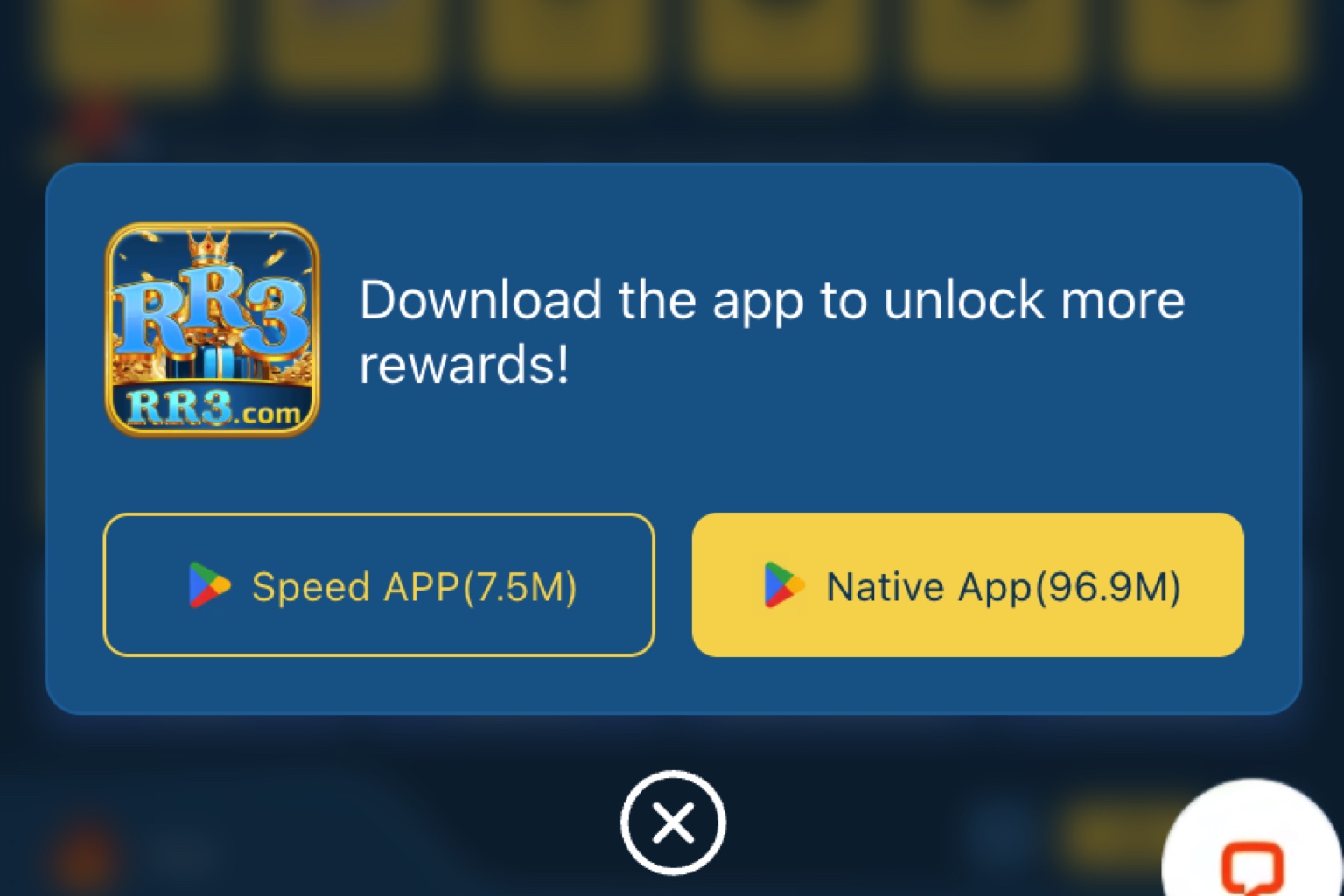
RR3 Android App: Speed APP or Native App?
Find the RR3 Android download panel and compare Speed APP with Native App using the sizes shown in the platform.
Read Full GuideFollow RR3 walkthroughs for Android, iPhone, phone login, PKR wallet requests and first-deposit rewards.
Start with the screen you need
Each guide shows where to go and what to check.
RR3 how-to guides
Mobile access and wallet walkthroughs
Use these guides when you need help getting to a particular screen.
Find Android, iPhone and phone login help.
Track a withdrawal or check a QR order.
See the first-deposit tiers and claim conditions.
Find the RR3 Android download panel and compare Speed APP with Native App using the sizes shown in the platform.
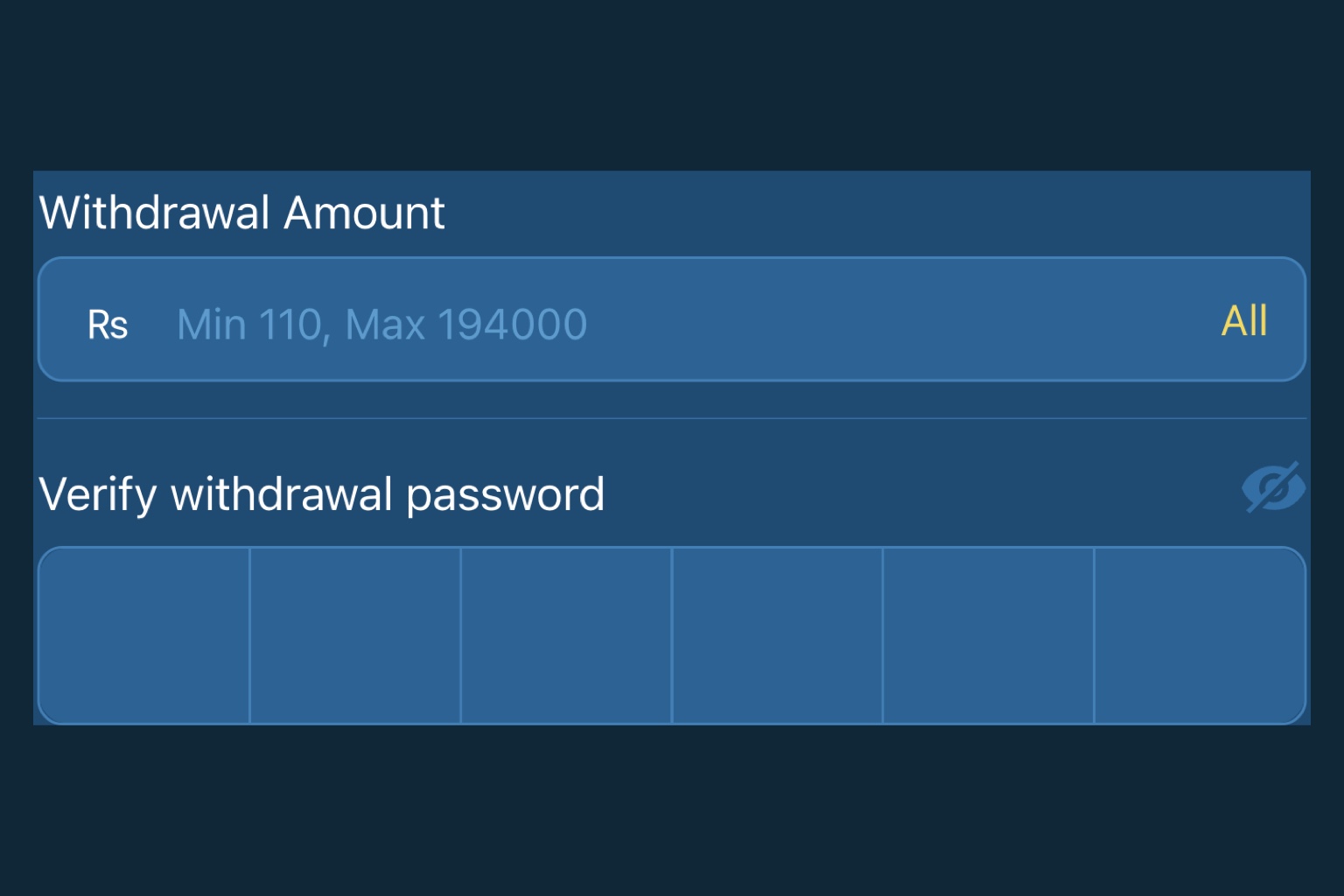
Read Full GuideFind an RR3 withdrawal in My Records, check its approval and payout status, and prepare the reference if you need Support.
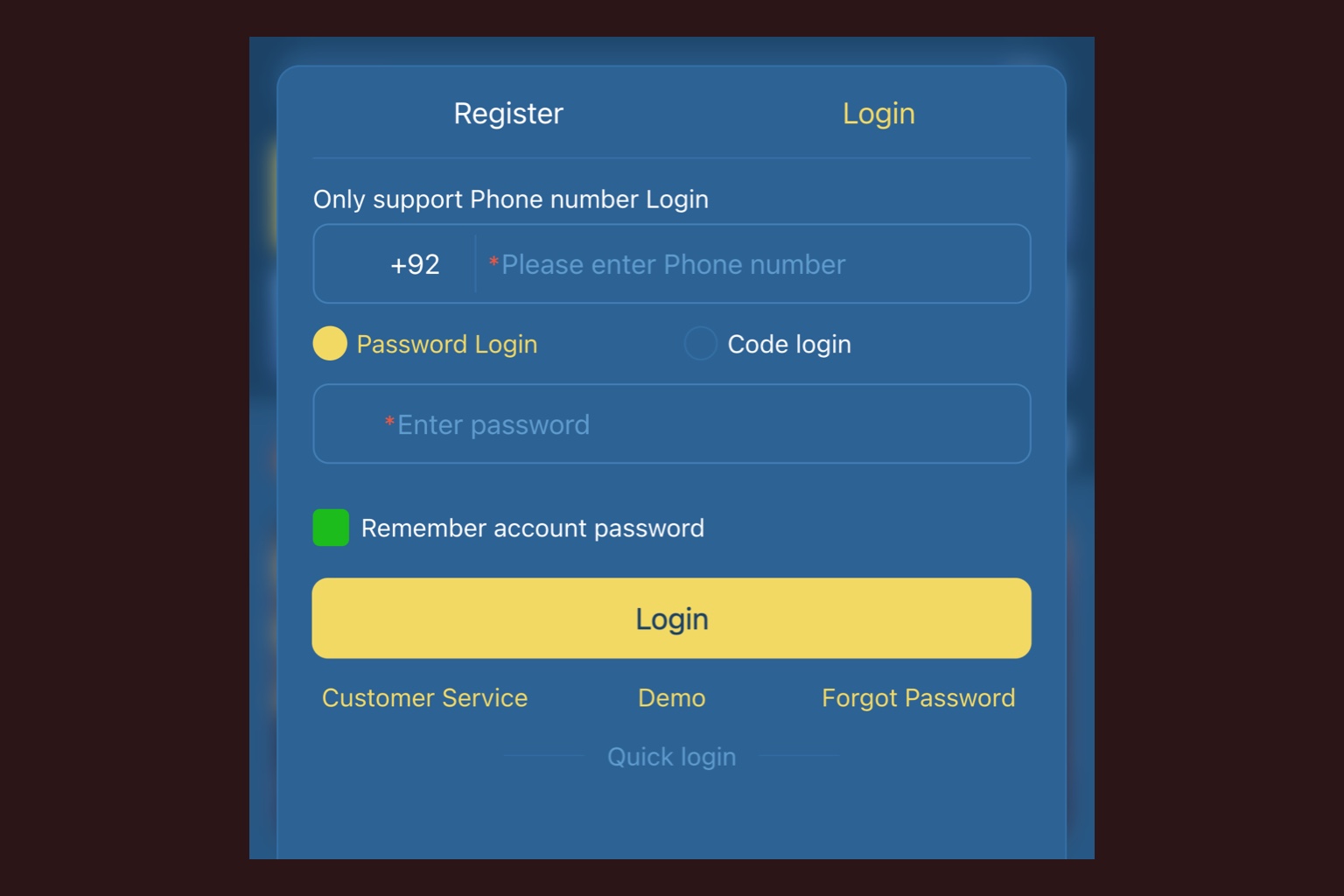
Read Full GuideSee the RR3 phone login panel, choose password or code login, and find the right next step if a code or password does not work.
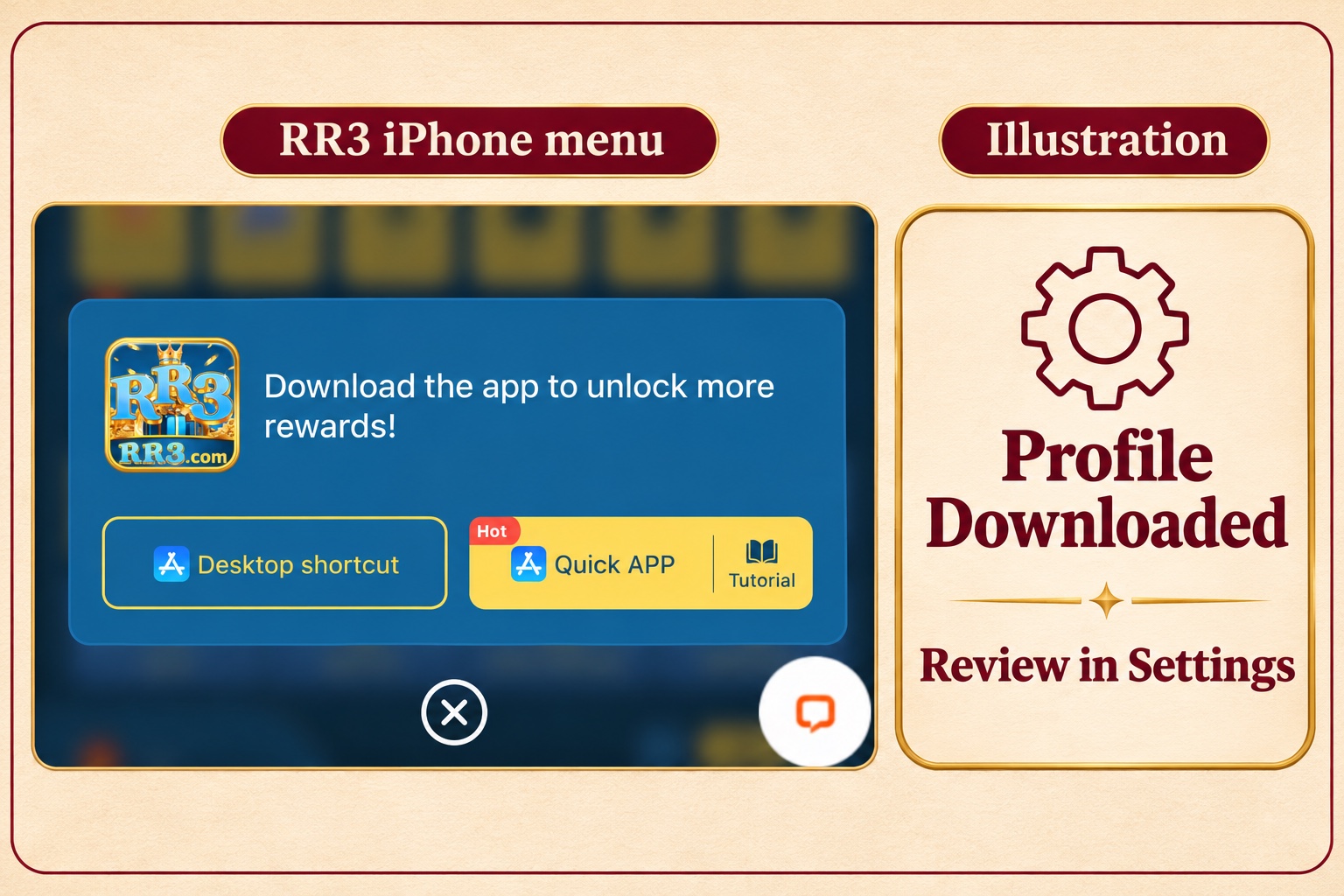
Read Full GuideSee the iPhone Download now menu, add RR3 to the Safari Home Screen and learn what to review if Quick APP displays a profile prompt.
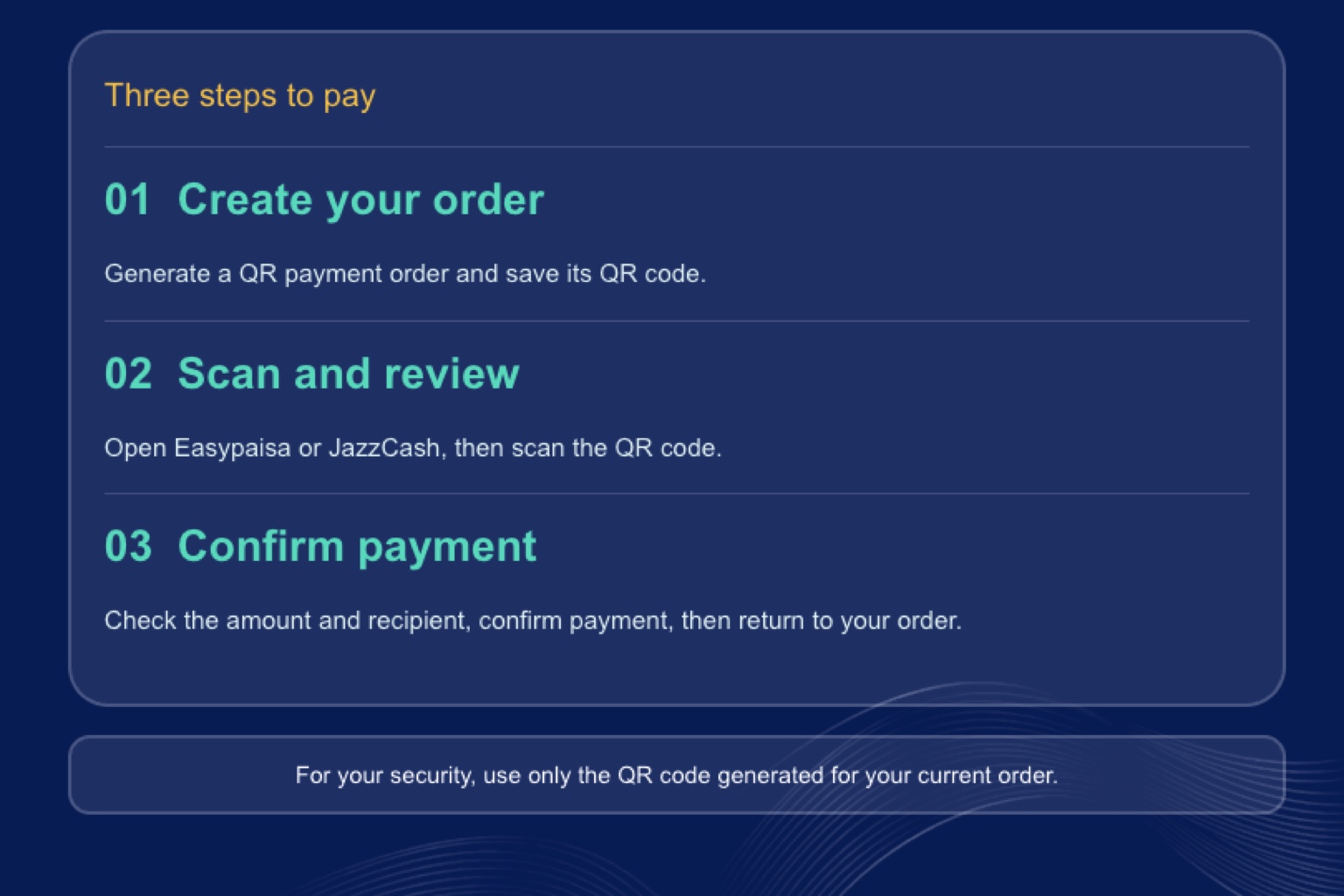
Read Full GuideFollow the RR3 QR deposit flow from order creation to wallet confirmation. See which wallet to use and how to check an incomplete payment.
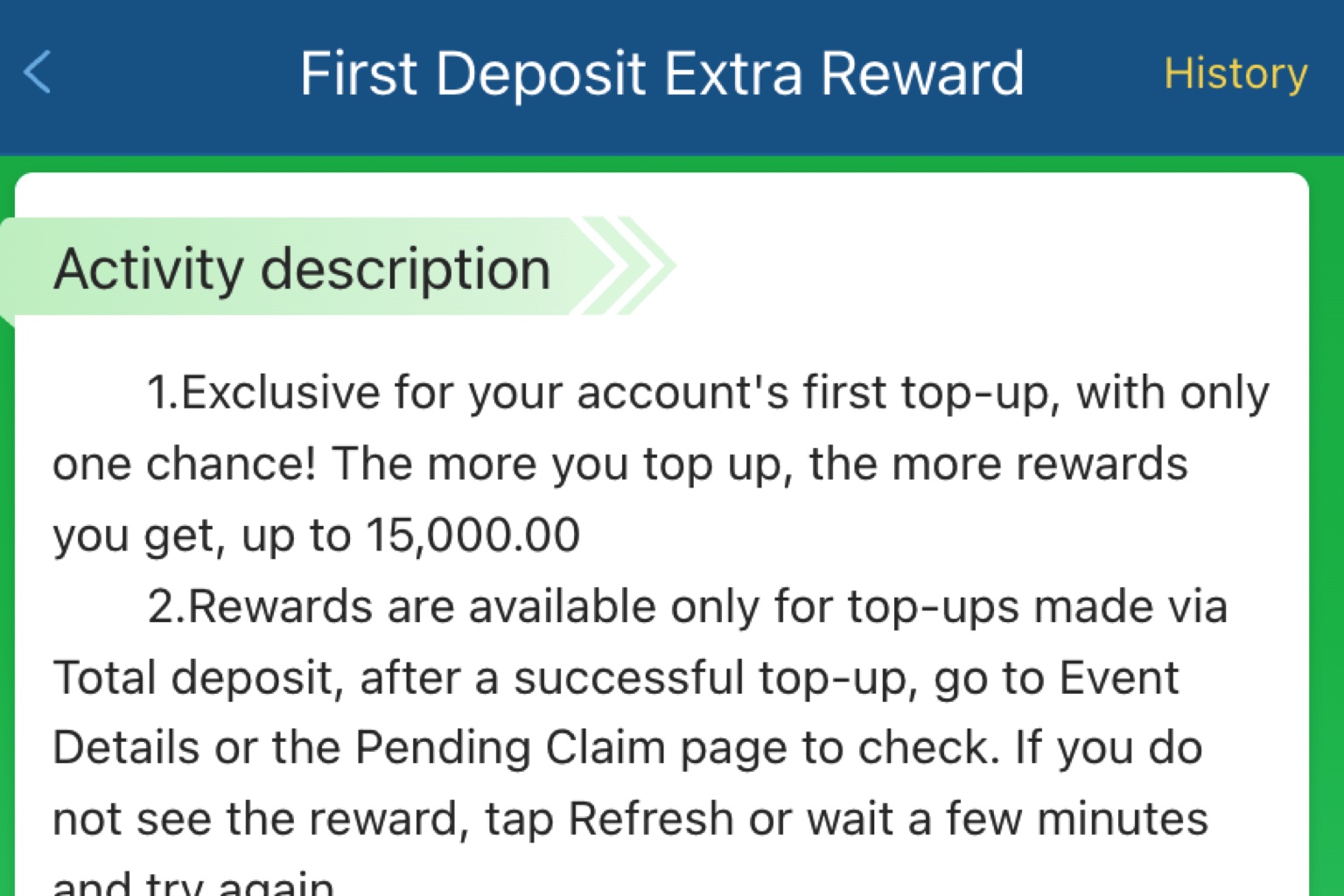
Read Full GuideCompare nine RR3 first-deposit tiers from 100 PKR, see the 15,000 PKR cap and learn when to claim and how the 5× bonus rule works.
Read Full Guide