
- Wallet
How to Track a Pending RR3 Withdrawal
Find an RR3 withdrawal in My Records, check its approval and payout status, and prepare the reference if you need Support.
RR3 Guide Team
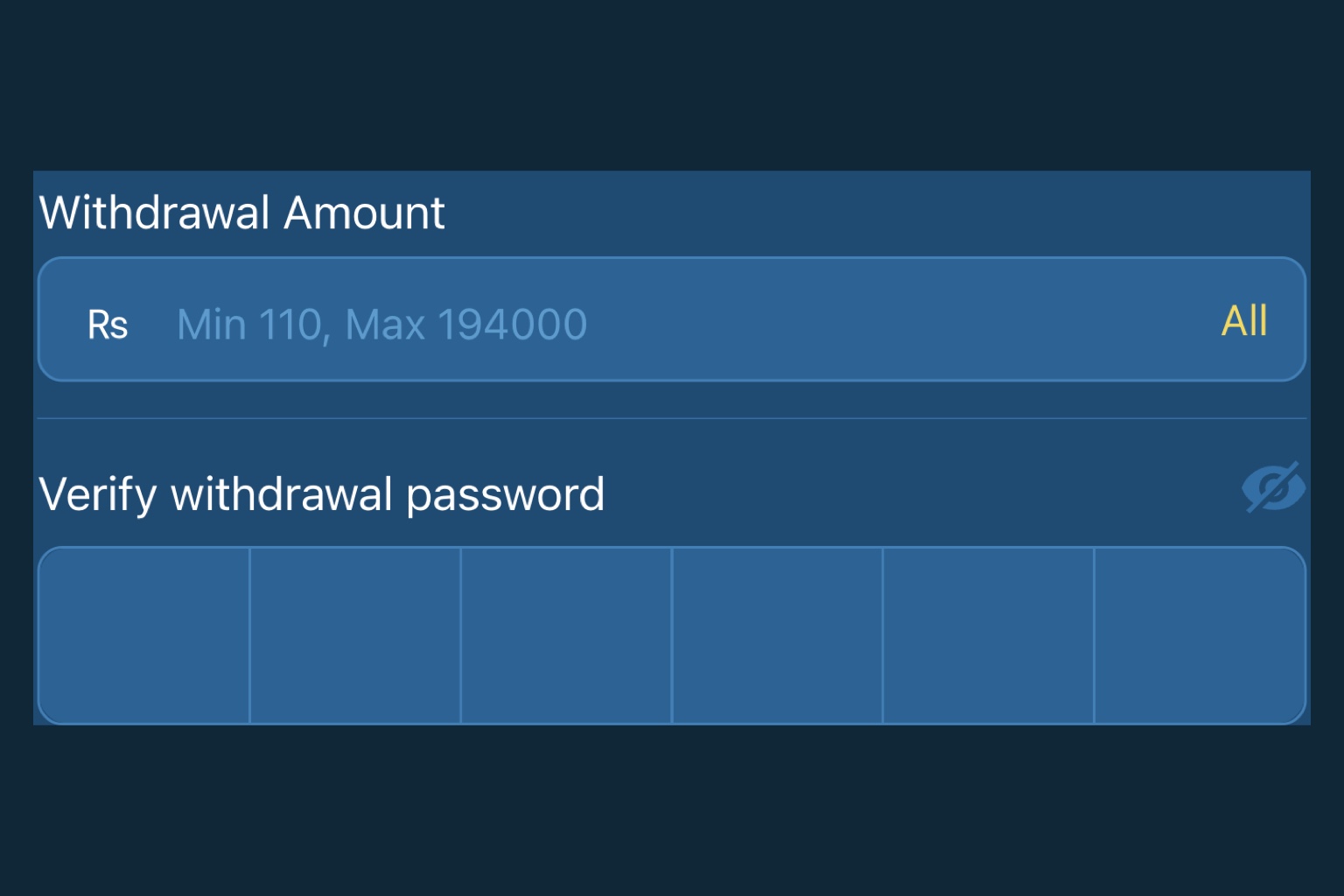
Find the request in My Records
Open Profile in the RR3 lobby and choose My Records. Match your request by date, amount and reference.
Check the review and the wallet
Normal RR3 withdrawals are 110–194,000 PKR per request with no withdrawal fee. RR3 reviews requests within 90 seconds and sends the payout as soon as it approves it.
| If you see | What to check |
|---|---|
| Pending | Check the request status and avoid a duplicate request |
| Approved | Compare the amount in the receiving wallet |
| Declined | Read the reason shown in the record |
Ask Support with the reference
Give the request date, amount, status and reference. Keep your withdrawal password, OTP and wallet PIN private.
Frequently Asked Questions
Where is My Records?
Open Profile in the RR3 lobby, then choose My Records.
What if an approved payout is missing?
Open Profile → My Records for the request status. If an approved payout is missing, check the receiving wallet and contact RR3 Support with the request reference.
Related Guides
How to Make an RR3 QR Deposit with Easypaisa or JazzCashFollow the RR3 QR deposit flow from order creation to wallet confirmation. See which wallet to use and how to check an incomplete payment.RR3 First Deposit Bonus Tiers and How to ClaimCompare nine RR3 first-deposit tiers from 100 PKR, see the 15,000 PKR cap and learn when to claim and how the 5× bonus rule works.