
- Account Help
RR3 Login Not Working? Phone, Code and Password Help
See the RR3 phone login panel, choose password or code login, and find the right next step if a code or password does not work.
RR3 Guide Team
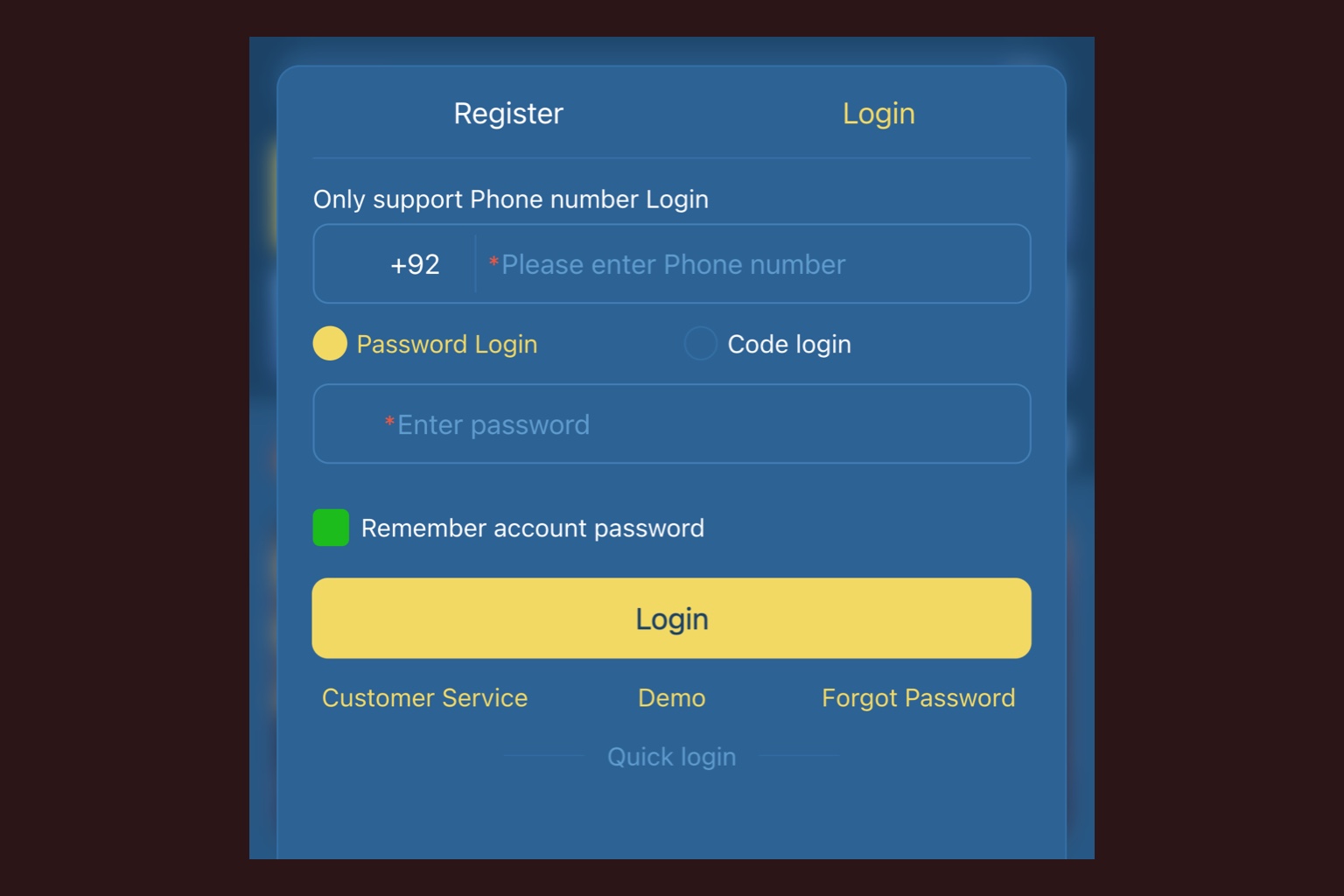
Find the RR3 phone login panel
Open the RR3 lobby and choose Login. Enter the phone number tied to your RR3 account and check the country code.
| Login option | What you’ll use |
|---|---|
| Password Login | The password for your registered number |
| Code login | A code sent through the Get Code flow |
If your code does not arrive
Check the phone number shown in the form and whether your phone can receive the message. Use Customer Service from Code login if you still need help.
- Keep your login code private.
- Use the code only in the RR3 login form.
If you forgot your password
In the Login panel, select Forgot Password. RR3 opens Change Password and asks for account information. Use Customer Service if the form does not accept your details.
What to tell Customer Service
Name the screen and login method you used, and describe the exact error. Keep your password, login codes and wallet PIN private.
Frequently Asked Questions
Does RR3 Login use a username or phone number?
The current login panel asks for a phone number. The separate recovery screen may ask for other account details.
What opens after Forgot Password?
The Change Password screen asks for account information so you can start recovery.