
- App
RR3 Android App: Speed APP or Native App?
Find the RR3 Android download panel and compare Speed APP with Native App using the sizes shown in the platform.
RR3 Guide Team
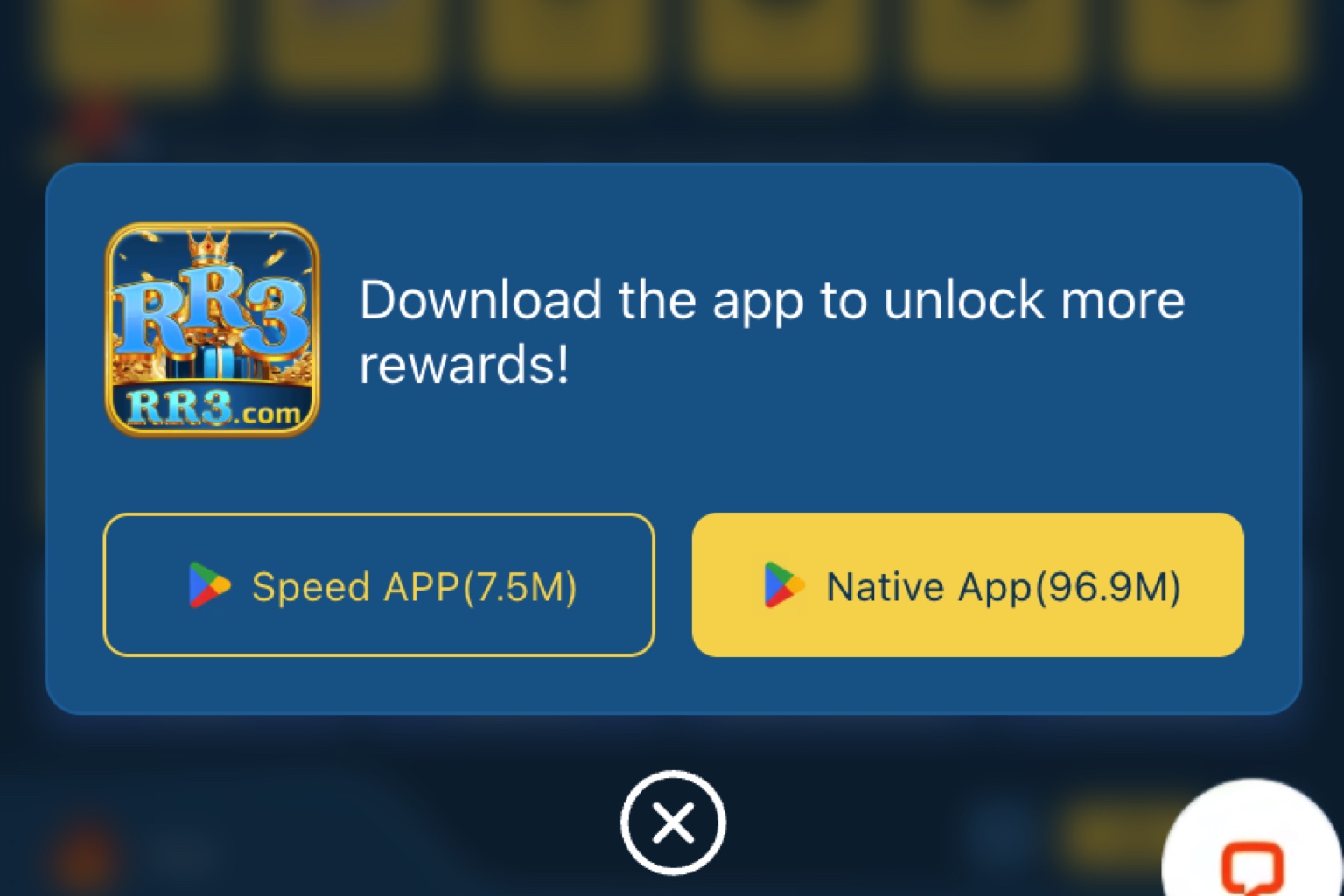
Find the Android download menu
Open the RR3 lobby in your Android browser and tap Download now.
Compare the two Android options
Check the sizes shown in your current menu before selecting a package.
| Option | Size on the menu | What to check |
|---|---|---|
| Speed APP | 7.5M | Confirm the smaller package suits your phone |
| Native App | 96.9M | Leave enough storage and read the install prompt |
If the download stops
Check the connection, phone storage and device prompt. Continue in the browser while you resolve an unfamiliar warning.
Frequently Asked Questions
How large are the RR3 Android options?
The panel shows 7.5M for Speed APP and 96.9M for Native App. Sizes can change.
Related Guides
RR3 on iPhone: Quick APP and Home Screen AccessSee the iPhone Download now menu, add RR3 to the Safari Home Screen and learn what to review if Quick APP displays a profile prompt.How to Track a Pending RR3 WithdrawalFind an RR3 withdrawal in My Records, check its approval and payout status, and prepare the reference if you need Support.RR3 Login Not Working? Phone, Code and Password HelpSee the RR3 phone login panel, choose password or code login, and find the right next step if a code or password does not work.