
- Payments
How to Make an RR3 QR Deposit with Easypaisa or JazzCash
Follow the RR3 QR deposit flow from order creation to wallet confirmation. See which wallet to use and how to check an incomplete payment.
RR3 Guide Team
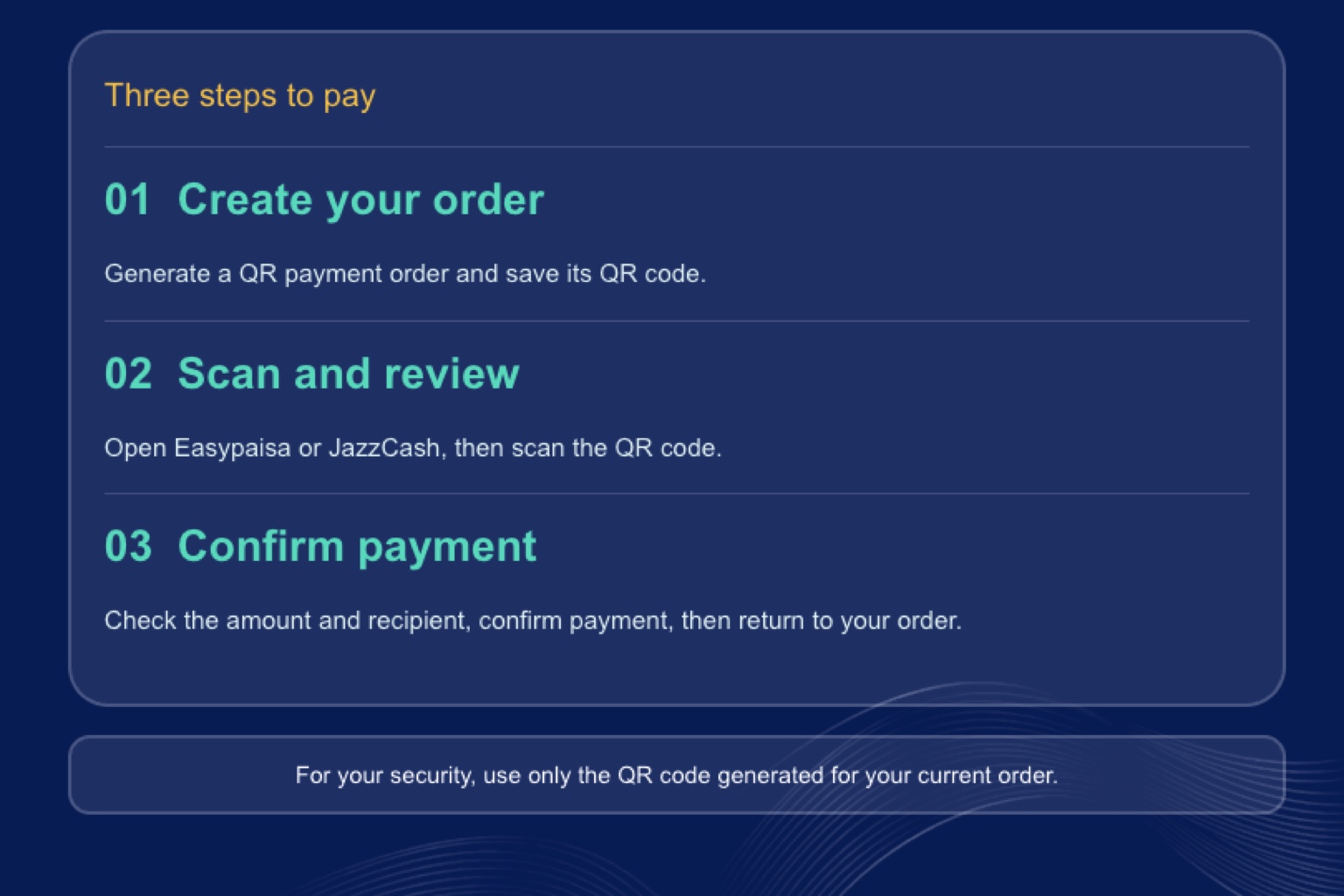
Create the RR3 QR order
Open Deposit and select the QR method for your wallet. Use only the code created for the current order.
Scan with the matching wallet
Review the recipient and amount in your wallet before confirming.
| Order shows | Use this wallet |
|---|---|
| Easypaisa QR | Easypaisa |
| JazzCash QR | JazzCash |
Check the RR3 order after payment
Return to RR3 after confirming the payment. If your balance does not change, compare the receipt with My Records before paying again.
Check QR rewards separately
The cashier shows up to 1,500 PKR for Scan with EasyPaisa. The reward has no separate minimum deposit requirement. The QR payment channel may still show its own transaction limits, so check those before creating your order.
Log in to RR3 and open the corresponding in-platform offer for the current valid-turnover and bonus-withdrawal rules.
Frequently Asked Questions
Can I use a QR code from a guide or a past order?
Use the QR code RR3 generated for the current order.
Where can I see the Easypaisa demo?
Open Promo → Event → QR Payment Video Guide within RR3.